Customer need
Visitor, staff or assistance calls need to reach the right person through a system suited to the building and use case.

NOVEL · Product and System Solutions
Security and Intercom - Communication Devices
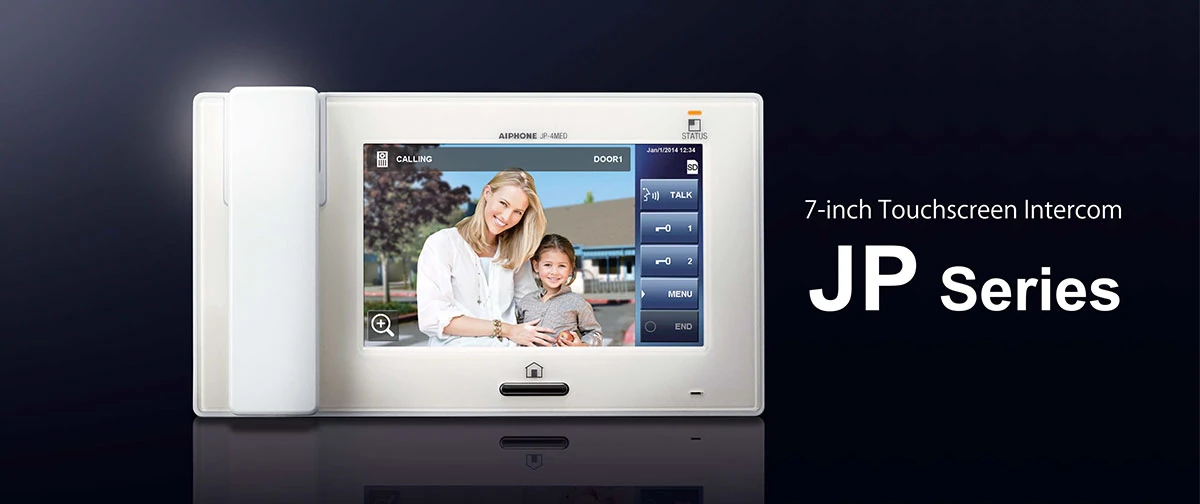
The Aiphone JP series provides video door communication for residences or commercial premises with multiple entrances and internal stations. The JP-4MED master monitor combines visitor screening, voice communication, and door release functions via a 7-inch touchscreen.
Request a Quote from NOVEL ↗From need to solution
Aiphone JP Series Multi-Door Video Intercom System: selection starts with the measurement or system output your team needs for its decision.
Visitor, staff or assistance calls need to reach the right person through a system suited to the building and use case.
The audio, video and call-routing functions supported by the selected system connect the required communication points.
Define doors, stations, wiring, call flows and required integrations together; capacity and protocol support differ by model.
Up to 4 door stations and 8 master/sub stations in a compatible configuration.
Hands-free or handset communication; internal communication between stations.
Wide-angle viewing, zoom, and pan/tilt camera control.
Automatic and manual visitor image recording to internal memory or a suitable SD/SDHC card.
Select the function and installation type together. A master station, entrance panel, extension and adaptor perform different roles; the code identifies the component to be matched to your project.
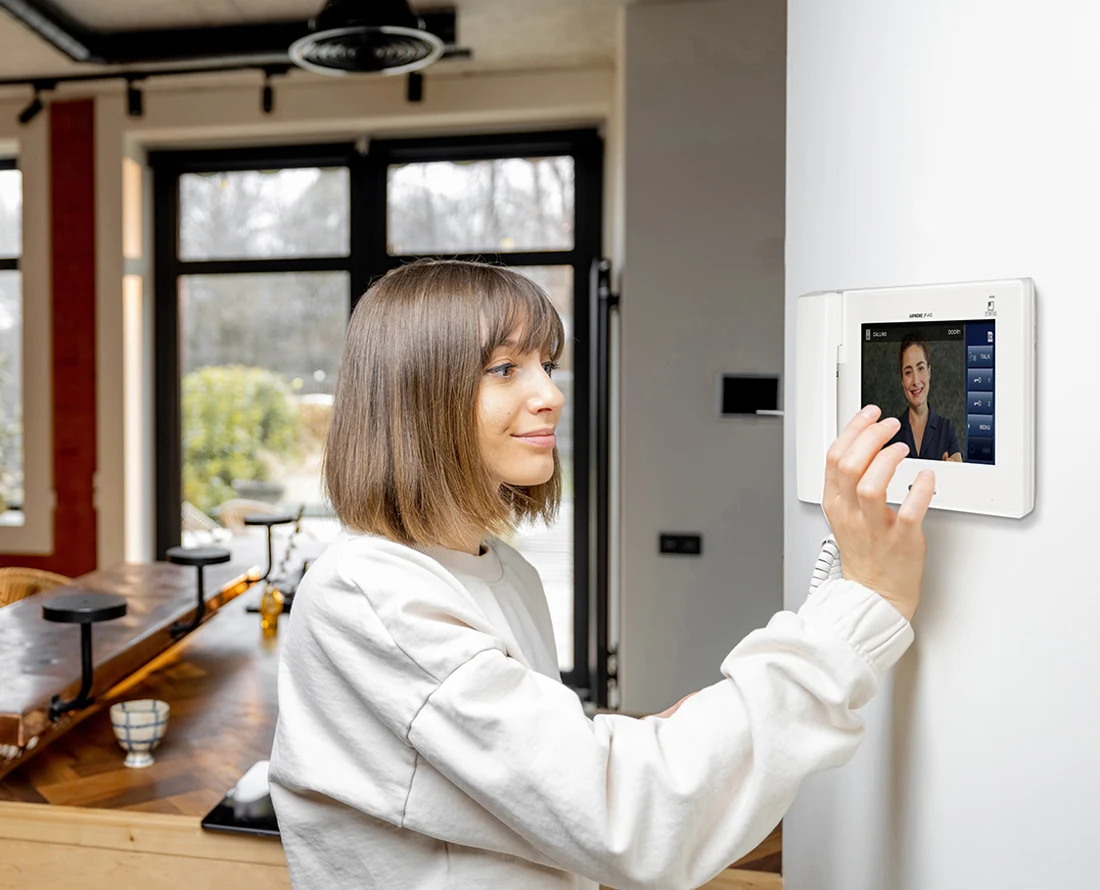
The main call-answering, video-monitoring and door-control point; extension stations are planned around this unit.
Adds another room or answering location to a JP system. It does not replace the required master station.
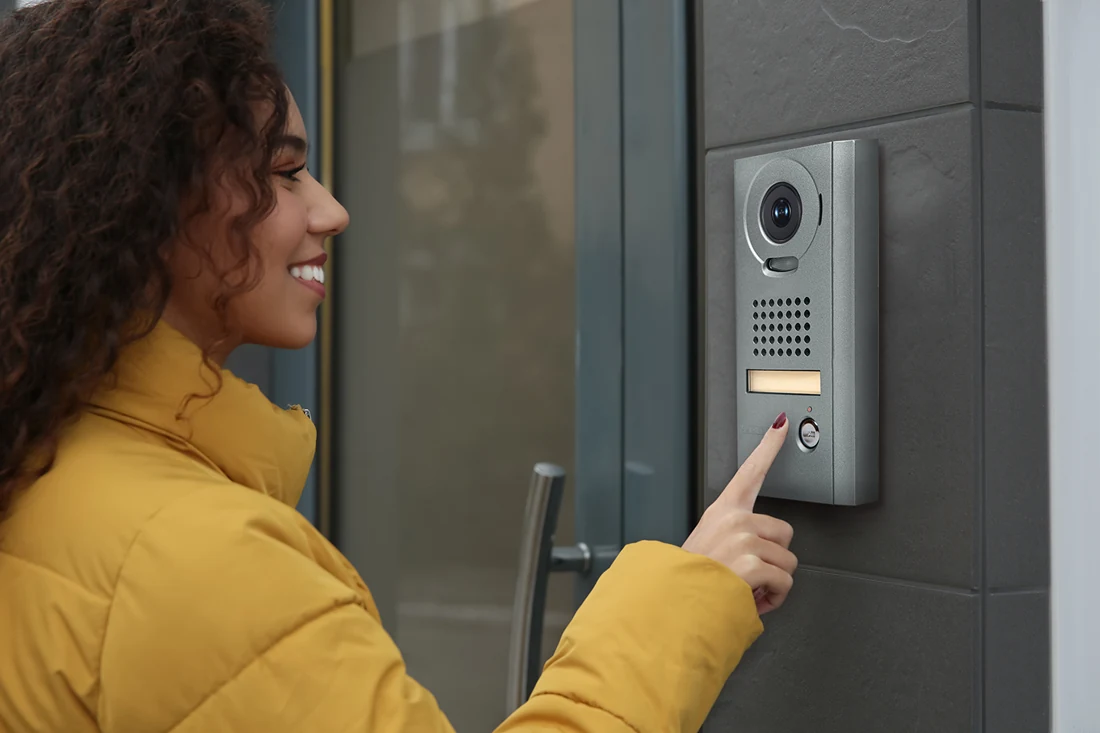
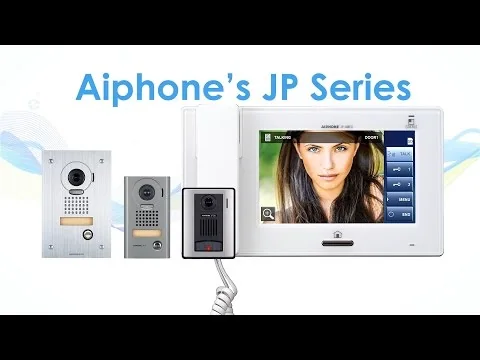
Surface-mounted visitor call and video communication stations. Choose the housing and mounting arrangement for the entrance.
Used where a recessed entrance station is required. Prepare the wall opening and backbox to the installation manual.
JP-8Z is used for station distribution; JPW-BA is evaluated for supported video and distance applications. Verify cable type and distance limits in the manual.
Correct call routing and managed access permissions depend on suitable system configuration. For IP models, apply network segmentation, user permissions and supported security features to the project.
Aiphone develops its products through testing and quality control. Evaluate outdoor suitability, impact ratings and audio settings for the selected model when planning a durable installation.
Aiphone highlights its 1981 and 2018 Deming Prize achievements and ISO 9001 quality management as part of its corporate quality approach. Check model-specific protection ratings and documentation separately.
The JP family is suited for residential and commercial premises requiring multiple entrances and internal answering stations. It offers touchscreen monitoring, handset or hands-free communication, and digital video control with compatible door stations; door stations, master stations, and cabling distances should be cross-referenced with installation documentation.
Can be considered for multi-entrance villas, offices, and buildings requiring multiple answering locations. Cable run length, distribution adaptors, and lock release relays are selected together during system design.
| Master station | JP-4MED |
|---|---|
| Sub-master monitor | JP-4HD |
| Door stations | JP-DA, JP-DV, JP-DVF |
| Expansion | Suitable cabling options with the JP-8Z distribution adaptor |
| Long distance / CCTV | With JPW-BA adaptor; subject to project and cabling conditions |
For a single entrance and on-site answering, compare JV. For smartphone answering or multiple entrances, choose the appropriate JO, JP or IXG configuration.
Describe the measurement or communication task, operating environment, required range or capacity and recording needs. NOVEL can help review the model and configuration information on this page.
Review the specifications, documents and any accessories sections on this page. Include model, quantity and intended use in your quotation request, and confirm compatibility before ordering.
For model selection, supply, and project planning Contact NOVEL. Regional product options and functions may vary by unit.
NOVEL technical support
A draft opens in your email client with the subject header of the relevant product or category.