Identify Visitors
Add video to a door call and see who is there before releasing the door.

Aiphone · Video Entry and Building Communication
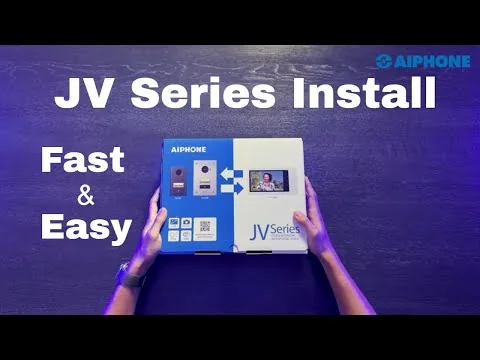
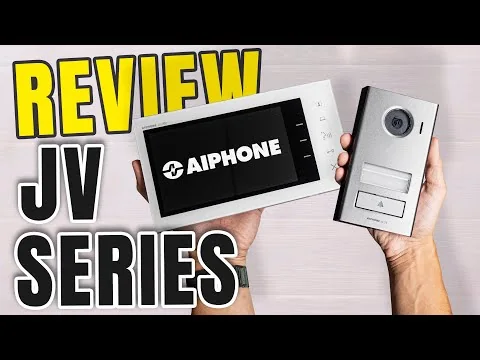
Aiphone JV provides a 7-inch screen, visitor picture memory and door release for homes and small offices. Explore JV-1MD, JV-1FD, JVS-1V and JVS-1F.
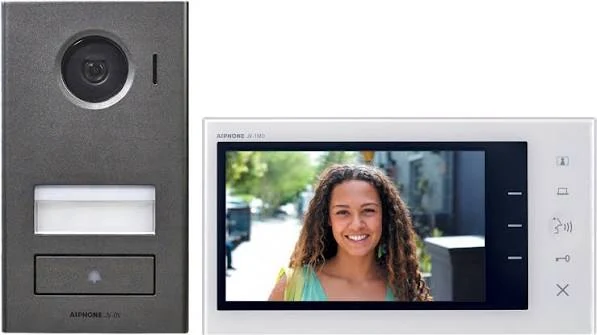
See and speak to visitors from indoors and control a suitable door lock. The Aiphone JV series makes everyday entry communication easier in single-entrance homes and small offices with a 7-inch screen. Add a JV-1FD expansion monitor to answer calls at a second indoor location.
Request a Quote from NOVEL ↗Add video to a door call and see who is there before releasing the door.
Use an expansion monitor for an upstairs location or second room.
Bring video, conversation, picture memory and door release into one entry system.
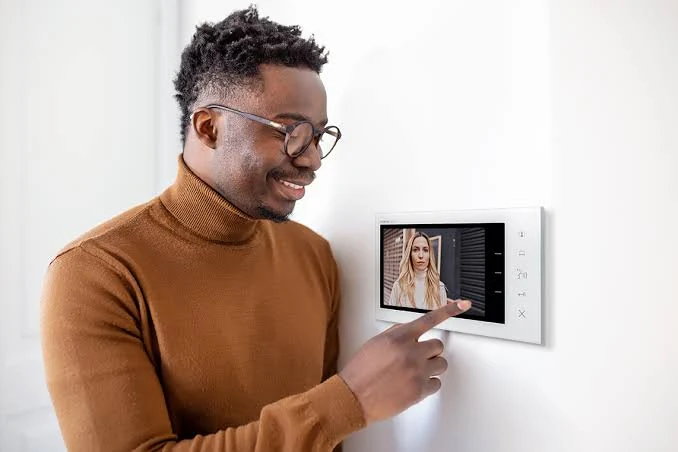
View the entrance indoors using a JV-1MD master monitor and optional JV-1FD expansion monitor.
One door station, one master and one expansion monitor. Room-to-room intercom conversation is not provided.
The system automatically stores a visitor image on a door call so missed visitors can be reviewed on the monitor.
Control suitable locks and optional electrical equipment using the manufacturer’s defined output methods. Power and connections must be designed for the installation.
Select the function and installation type together. A master station, entrance panel, extension and adaptor perform different roles; the code identifies the component to be matched to your project.
The main indoor station for viewing a visitor at one entrance, hands-free conversation and a suitable door-release connection.
Adds a second answering point to a compatible JV system. The monitors do not provide inter-station calling.
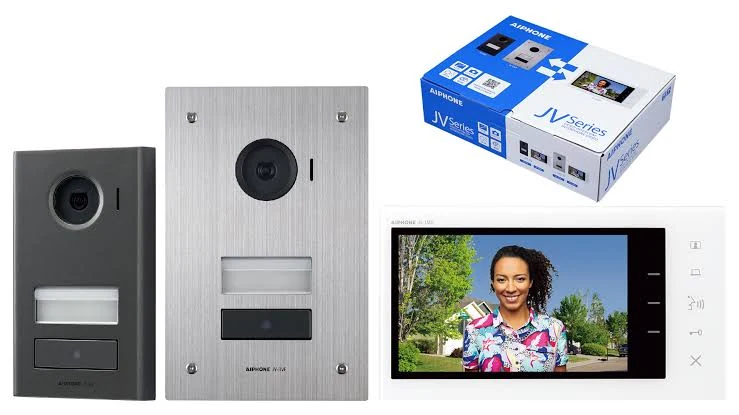
A die-cast aluminium video door station mounted on the wall surface. Camera, call button and low-light LED illumination support entrance communication.
A stainless-steel-front video door station designed for flush installation. Plan the wall opening and backbox before installation.
JVS-1V is the kit option with surface-mount JV-DV; JVS-1F uses flush-mount JV-DVF. Confirm regional kit contents, power supply and additional mounting parts at quotation.
A mounting accessory for a suitable entrance surface. Check compatibility with the selected station, enclosure and mounting surface.
Correct call routing and managed access permissions depend on suitable system configuration. For IP models, apply network segmentation, user permissions and supported security features to the project.
Aiphone develops its products through testing and quality control. Evaluate outdoor suitability, impact ratings and audio settings for the selected model when planning a durable installation.
Aiphone highlights its 1981 and 2018 Deming Prize achievements and ISO 9001 quality management as part of its corporate quality approach. Check model-specific protection ratings and documentation separately.
Suitable for single-entrance houses, villas, small offices and businesses without a staffed reception. Users on site can see and speak to visitors and operate door release.
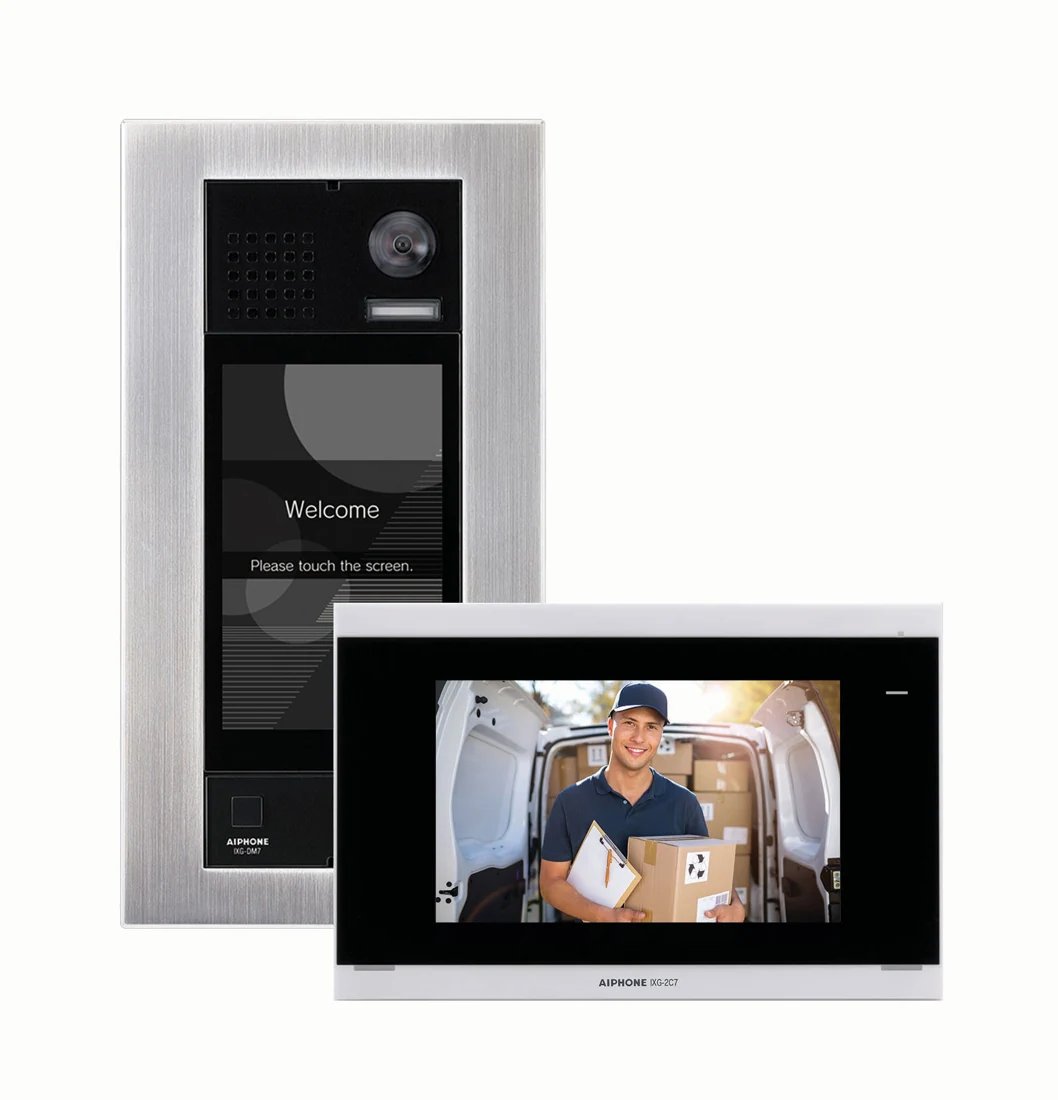
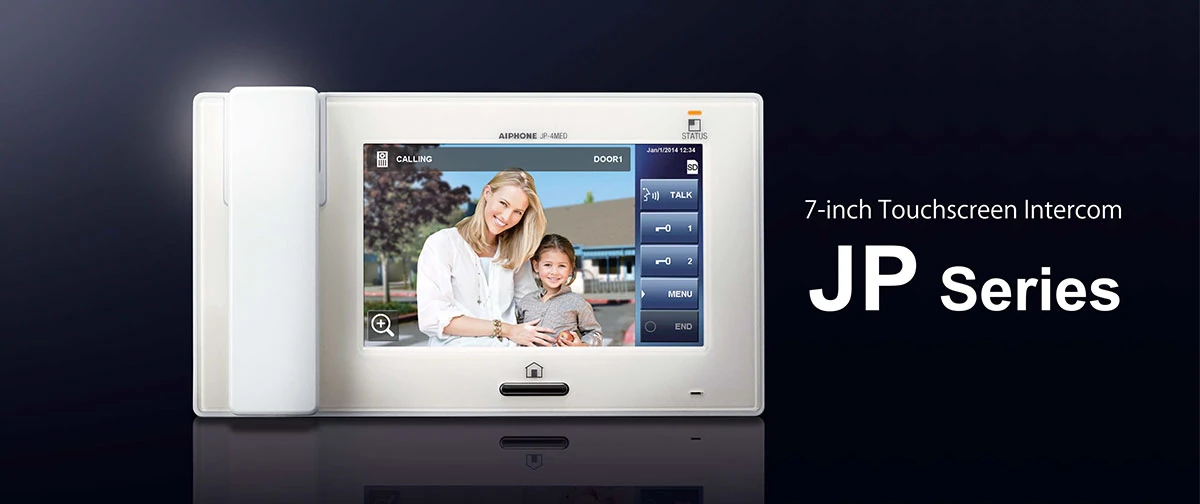
Choose JV for on-site answering. If smartphone answering is needed, evaluate a compatible JO-1MDW or IP-based IXG solution. For multiple doors and room-to-room conversation, consider the JP series.
Match cable gauge and length, lock type, lock power and option outputs to the installation manual. Confirm the power-supply contents of JVS sets for the country and quotation scope.
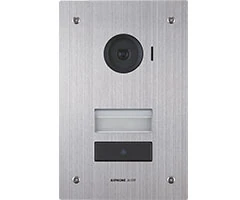
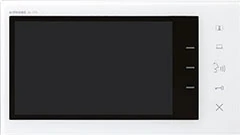
| Master monitor | JV-1MD · 7-inch colour screen |
|---|---|
| Expansion monitor | JV-1FD · maximum one expansion monitor |
| Capacity | 1 door station + 1 master monitor + 1 expansion monitor |
| JVS-1V set | JV-1MD + JV-DV surface-mount door station |
| JVS-1F set | JV-1MD + JV-DVF flush-mount door station |
| Power supply | A suitable supply is selected separately according to regional supply/set contents |
| Recording | Automatic picture recording on a door call; no manual recording, protected recording or external playback |
| Room-to-room conversation | Not supported |
| Mobile app | Smartphone answering is not offered by the JV family |
| Mounting accessory | MKW-P mounting plate for JV-DV |
A second indoor answering point, within the system limit of one expansion monitor.
Surface- or flush-mount door stations selected for the entrance surface.
Manufacturer mounting plate for the JV-DV door station.
Select a suitable supply, wiring and lock connection for the installation; do not assume these are included in every set.
JVS-1V includes the surface-mount JV-DV, while JVS-1F includes the flush-mount JV-DVF. Both have the JV-1MD master monitor. Specify power supply and mounting scope in the quotation.
JV does not offer mobile app answering. Consider JO-1MDW or a suitable IXG configuration if this is required.
No. The expansion monitor provides access to door calls; room-to-room intercom conversation is not available in the JV family.
A visitor picture is recorded automatically on a door call. Manual recording, overwrite protection and playback on an external device are not provided.
NOVEL Technical Support
Opens a draft in your email application with the product in the subject.